
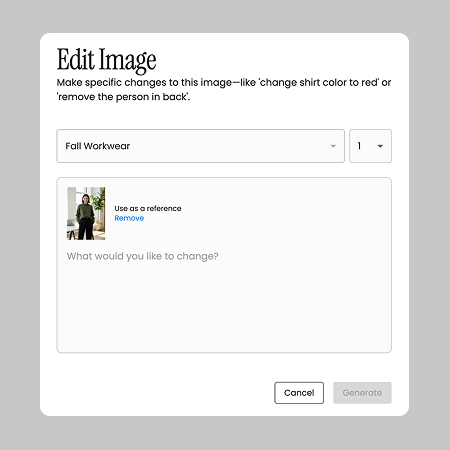
Editing creatives shouldn’t slow campaigns down. Today, making small visual tweaks often means waiting on design help, juggling tools, or stalling approvals — all while deadlines and performance needs keep moving. Adora’s new Intuitive Creative Editing removes that bottleneck so teams can refine ads instantly, stay agile, and ship high-performing creatives without the back-and-forth.
Type what you need ("brighten the background," "remove the coffee cup," "Change the scene to daytime") and see Adora apply it immediately.
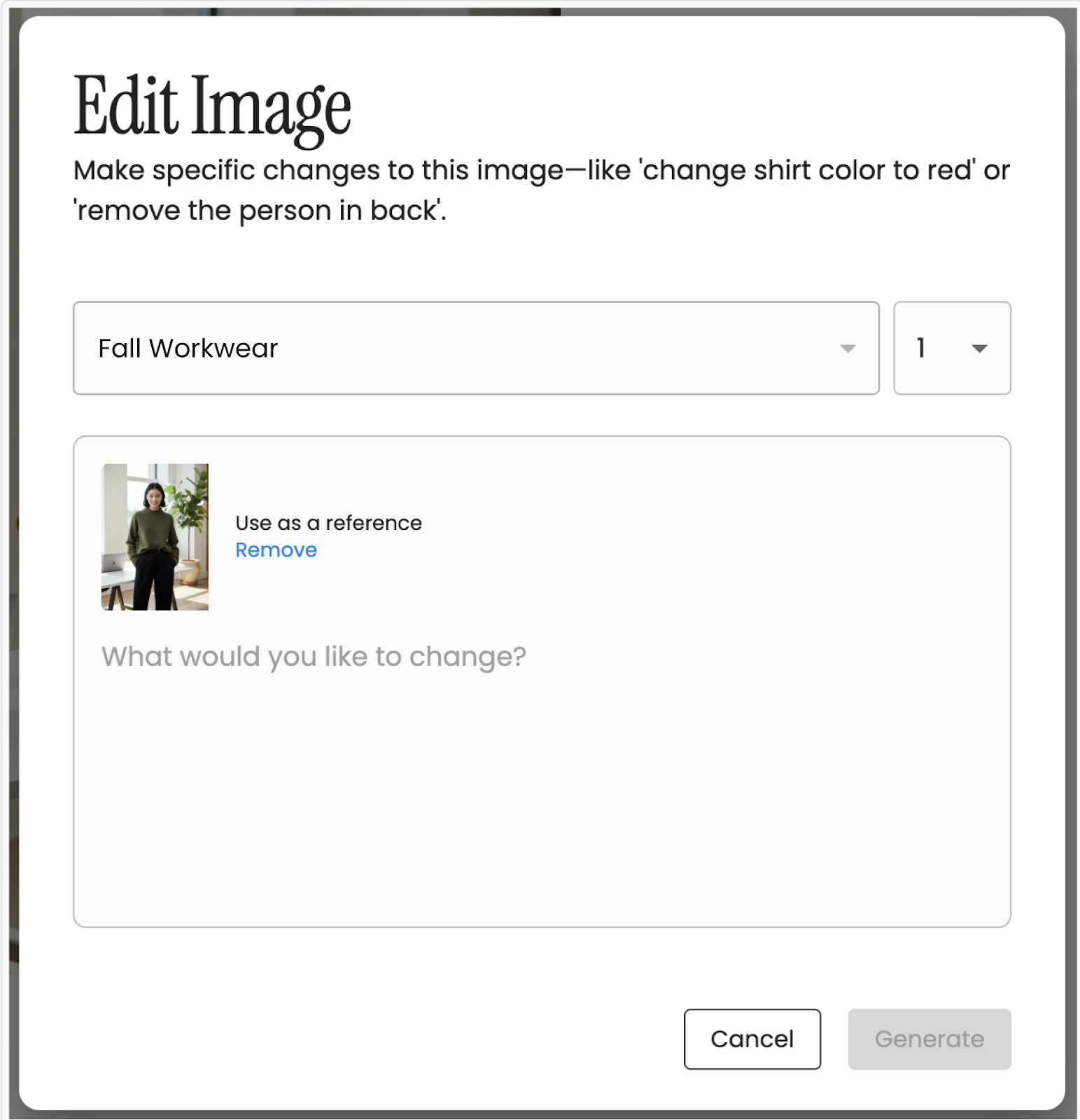
Explore creative options at scale. Choose 1, 5, or 20 variations, compare them side-by-side, and select the version that’s ready for approval.
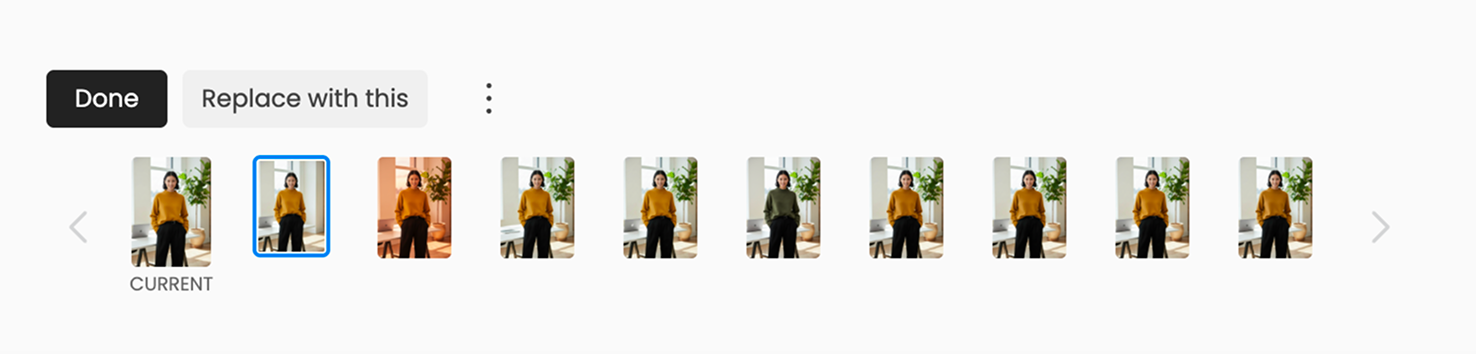
Move through your edits with total clarity. See what changed and when, revisit earlier versions at any time, and build on your progress seamlessly. Adjust color, remove an object, refine composition — every step stays organized so you can stay in flow without breaking your creative momentum.
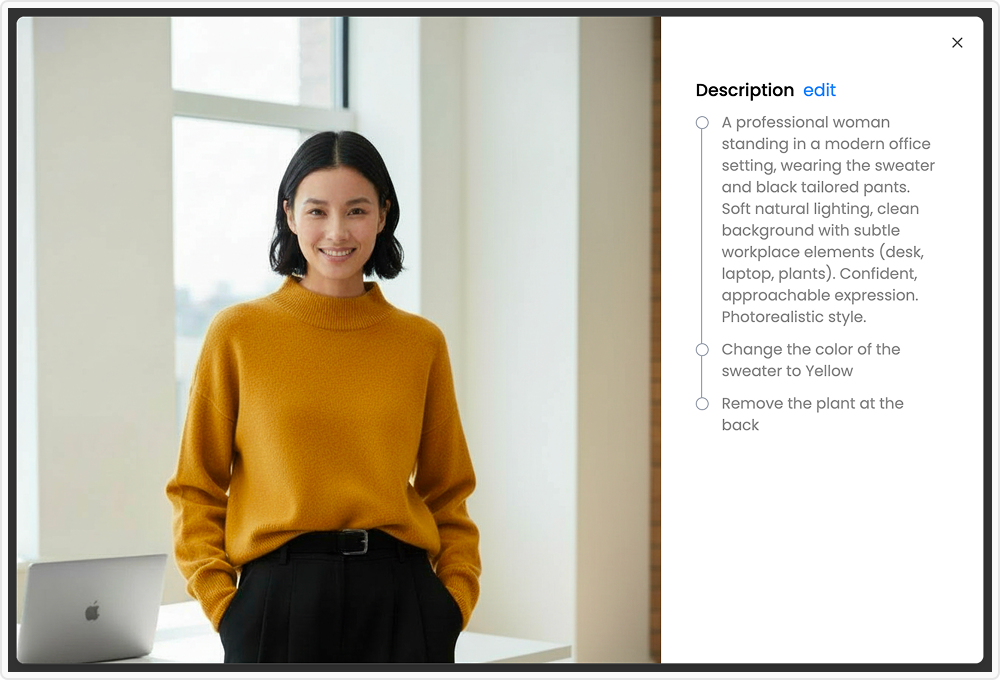
Open any image under Projects → Generate Ads, then click the edit icon or the Change Scene button to start making changes — just describe the edit you want. Start editing in Adora: https://app.adora-ai.com/