Product
A Smoother Path from Idea to Creative

Going from idea to creative just got a lot smoother in Adora. We've redesigned the creative flow so ideation and generation now live in the same place — with more control over the output, and fewer clicks to get there.
The old flow worked, but it required more steps: open one tool to brainstorm, switch to another to generate, then jump back to refine. The new flow keeps everything in one view, so iteration feels less like project management and more like creative work.
What’s New
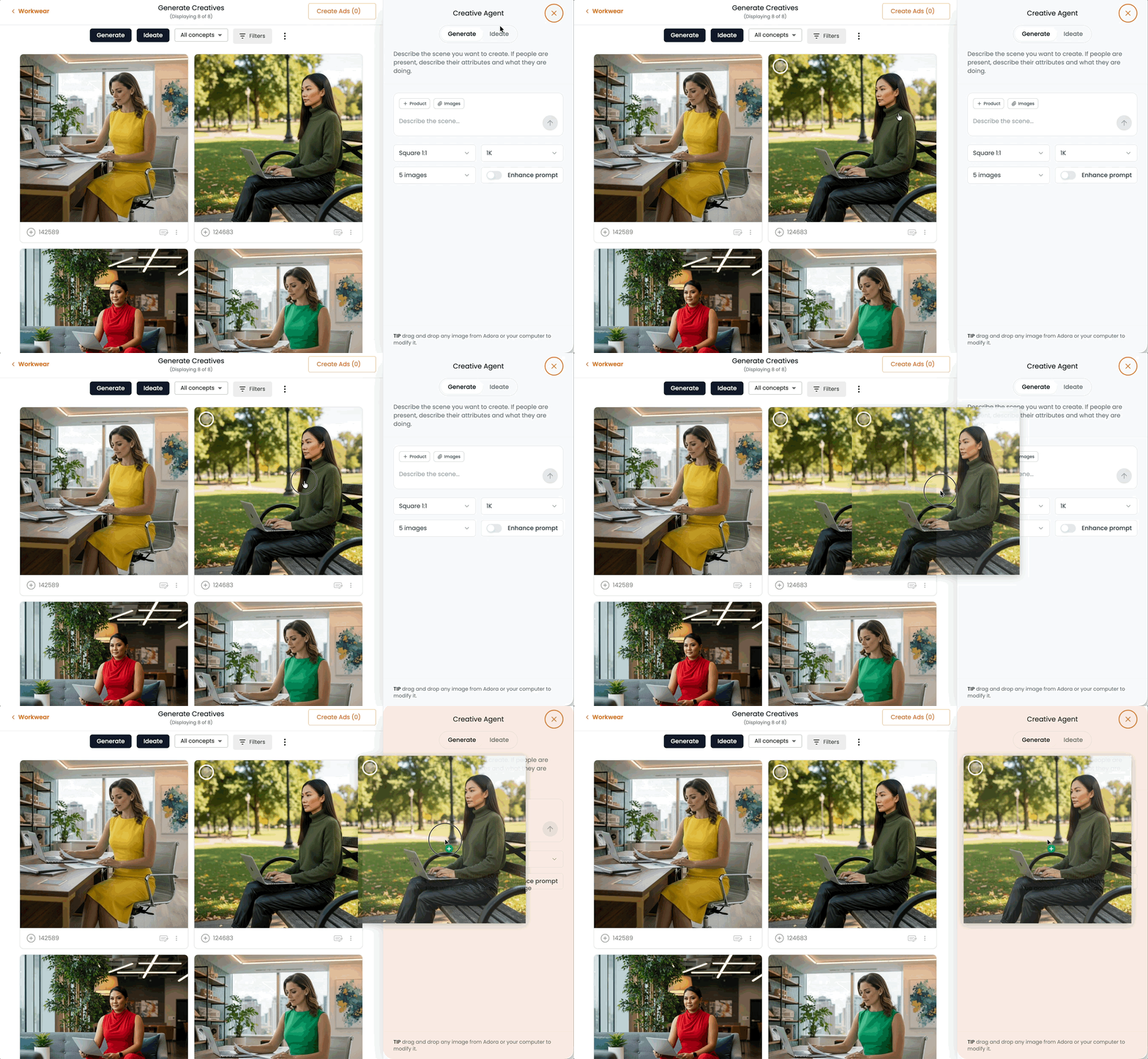
Side-by-side refinement. Adjust your scene description while viewing the generated creative, so iteration happens in one view. No more flipping back and forth between editing and previewing. Easily drag assets from one pane to the other!
More output controls. Choose square, portrait, or landscape aspect ratios. Select your desired resolution. Set image count. Toggle the enhanced prompt option to enrich your instructions with more descriptive detail before generation. Everything you'd want to adjust about the output is right there in the flow.
Unified ideation and generation. Creative Assistant and generation are now part of the same experience. Start with an idea, move straight into making the creative.
The Result
You can take a scene idea from first thought to finished placements in one sitting — generating variations, refining against what you see, and spinning the winner into multiple aspect ratios without losing context.
Note for Returning Users
The "Describe a scene" and "Creative Assistant" entry points have been retired in favor of the new Generate and Ideate actions. Same capability, smoother experience.
More to Come
This update is part of our commitment to making creative production feel less fragmented and more fluid. More refinements to the flow are in the pipeline.
