Guide
Creating Images
Choosing strong reference images
Creating Images
2 min read
The reference images you provide matter more than any prompt. They teach Adora what your brand looks like, so better references lead directly to better results.
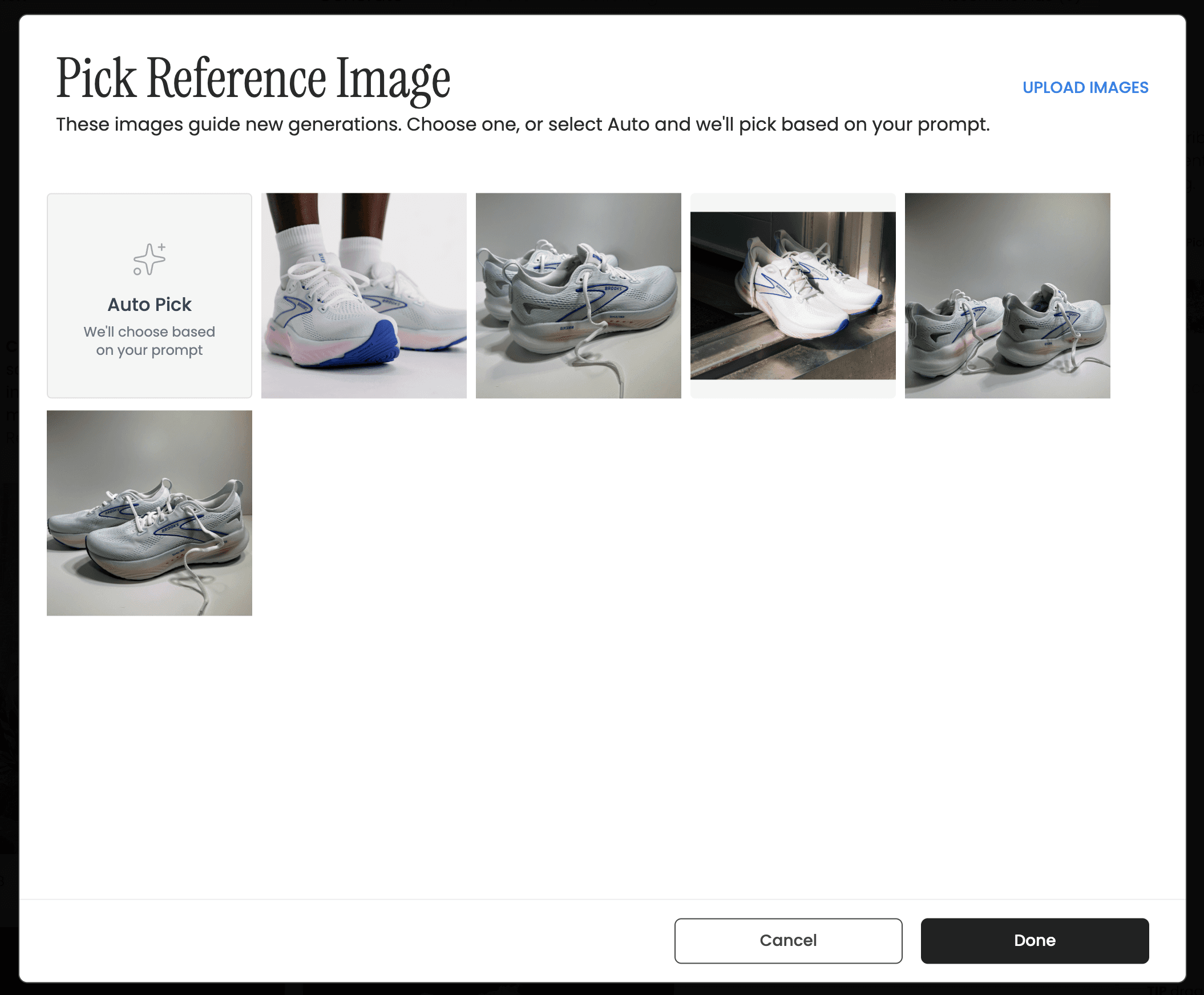
Choose a reference, or let Auto Pick decide from your prompt.
Use the highest-quality images you have. Sharp, well-lit, high-resolution references produce sharper, more accurate output.
Show your product clearly. A clean shot without a busy background helps Adora focus on getting your product right.
Include a close-up of important details. If a logo, texture, or feature needs to be exact, add a tight close-up alongside your main reference.
Ask Adora Prompt Guide - BETA
Scenarios and copy-ready prompts for Performance Analysis, Content Creation, Ad Approval and Launch in Ask Adora.
Was this helpful?
Yes
No
