Guide
Publishing
Download approved assets
Publishing
1 min read
This step isn't necessary to publish from Adora unless you have more than two aspect ratios per ad. We currently support linking two aspect ratios per ad; additional formats need to be added manually.
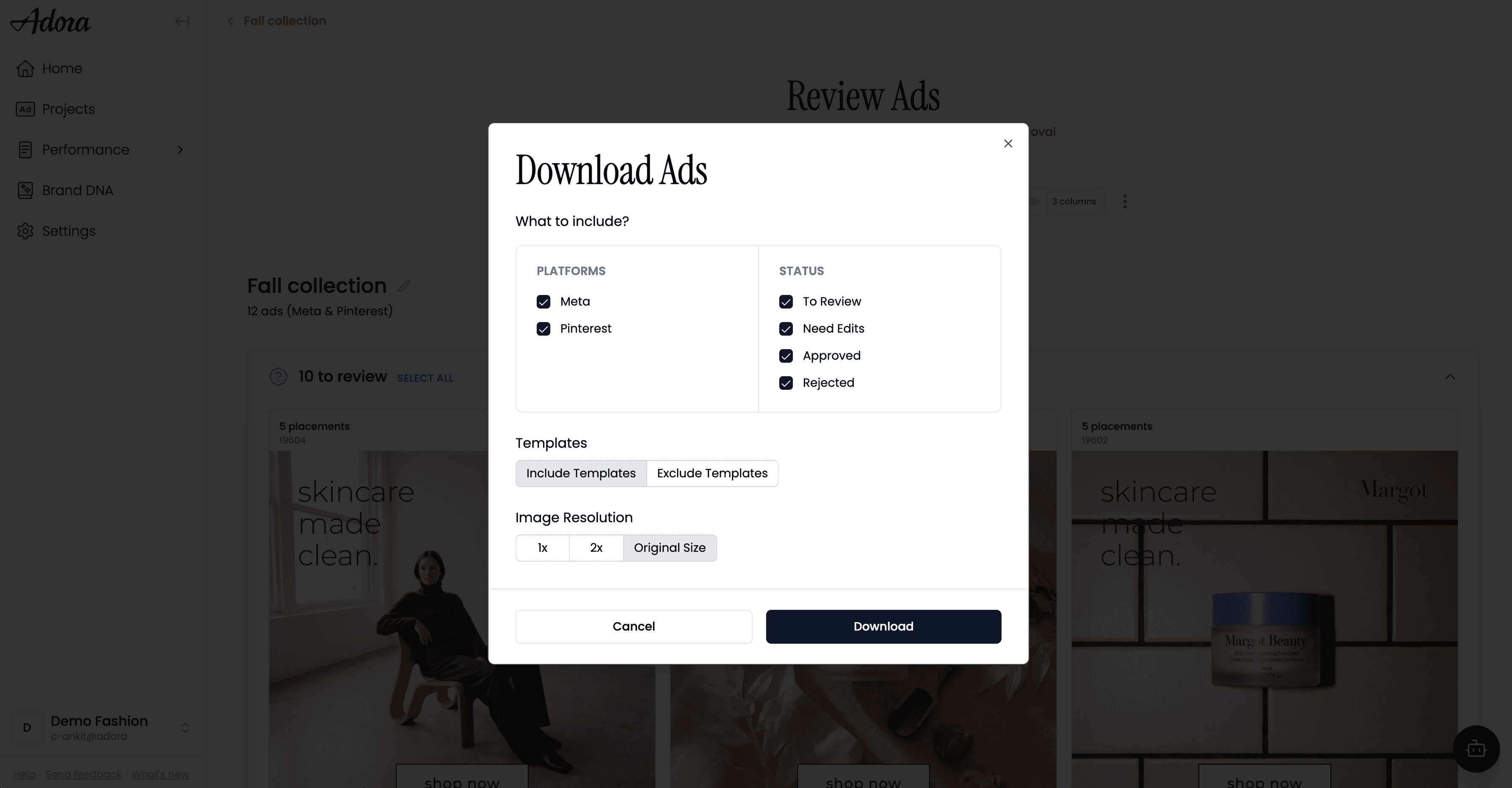
Choose platform, status, templates and resolution before downloading.
Go to Projects → Approvals.
Under Completed, check which assets are approved and which were rejected.
Use Download All to pull the assets. You can download Feed and Portrait aspect ratios as zip files.
Download with the template applied, or just the base image without it if that's what you need.
Shortcut: download straight from the Projects page. You don't have to open Approvals to grab assets. On the Projects page, click the three-dot menu on a project and use it to download all approved images from that project directly.
Ask Adora Prompt Guide - BETA
Scenarios and copy-ready prompts for Performance Analysis, Content Creation, Ad Approval and Launch in Ask Adora.
Was this helpful?
Yes
No
